Move your smart home to the cloud
Secure cloud-based platform that makes your home smart. Control your devices remotely, save energy and increase your comfort.
- Access from anywhere
- 24/7 support
- Secure cloud infrastructure
ADVANTAGES
Why inohom.cloud?
Advantages that take your smart home experience to the next level.
Cost Savings
Energy consumption is centrally optimized, and unnecessary usage is reduced.
Ease of Use
All systems are easily managed from a single platform, accessible from anywhere.
24/7 Support
Our technical support team is always with you. Fast solutions, excellent service.
Reliable Infrastructure
Data is stored in a secure cloud infrastructure, ensuring continuous system availability.
HOW IT WORKS
Connect to the cloud in three steps
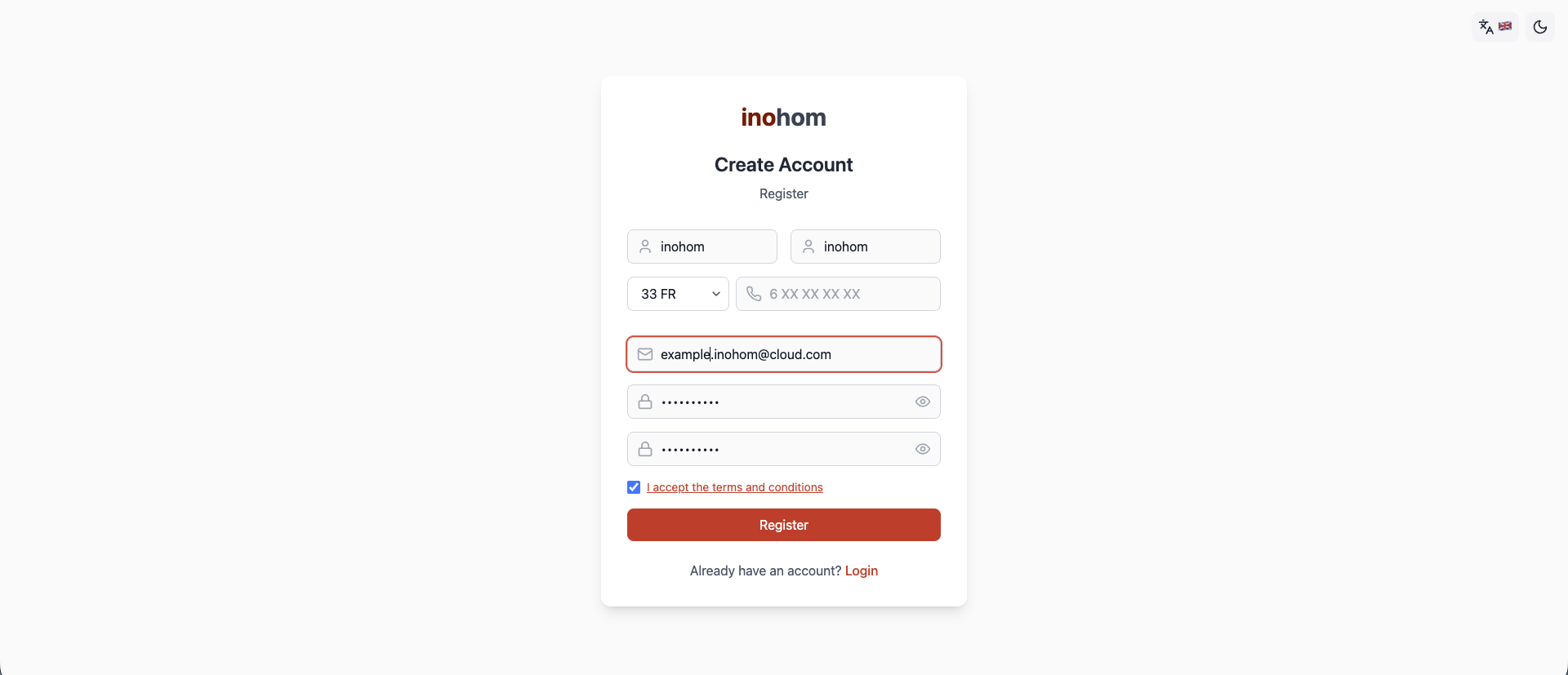
Create a Nova Cloud account
Register with your name, surname, phone number and e-mail address.
Add your panel to your account
In the panel interface, go to Settings > Sign In to register the panel.
Manage it from anywhere
Monitor and control your devices from the mobile app; handle authorization and account settings on the web.
Frequently asked questions
View allWhat is inohom.cloud?
inohom.cloud is the cloud-based smart home platform developed by inohom Smart Home Systems. By connecting your smart home panel to the cloud, it lets you securely control your devices from anywhere with an internet connection and monitor their status.
How do I reach my panel while I am away from home?
Once your smart home panel is added to your Nova Cloud account, you can reach it from anywhere with an internet connection. Use the inohom mobile app to monitor and control your devices; the web interface is for panel authorization and account settings. Both work with the same Cloud account credentials. If you get stuck during setup, our 24/7 technical support team is available to help.
How do I get started with inohom.cloud?
First you create an account in the Nova Cloud web interface with your first name, last name, phone number, e-mail address and password. Then, on your smart home panel, you open Settings > Cloud and sign in with the same Cloud account details to add the panel to your account. Once added, the panel is listed on the Connected Devices page.
What rules must a Nova Cloud password follow?
A Nova Cloud password must be at least 8 characters long and contain uppercase letters, lowercase letters and a digit. You can update your password later in the Cloud web interface from the Change Password option on the User > Profile Settings page.
Is there a mobile app?
Yes. You can download the inohom mobile app from the App Store and Google Play and reach your smart home panel from your phone as well. The mobile app uses the same credentials as your Cloud account.
Can several people in my family use the same panel?
Yes. Whoever adds the panel to their account is the panel administrator and can authorize other Nova Cloud accounts using the Add User option on the Panel Management page. The authorized person must approve the device activation e-mail sent to their inbox; until they do, they cannot access the panel.
Ready to set up your smart home?
Contact us to set up your smart home system and benefit from the advantages of inohom.cloud.
CONTACT
Get in touch
Our team is here for setup, support or dealership enquiries.
SUPPORT LINE
+90 850 811 82 8324/7 technical support.
HEAD OFFICE
+90 276 263 43 97inohom Smart Home Systems head office line.
WEB
inohom.comProducts, projects and dealer information.
ADDRESS
Kemalöz Mahallesi, 8. Bilgi Sokak No:4 A/A, Merkez / Uşak, Türkiye